Learn
Read About, Platform, and Community so you know what the business and the app are for.
These pages help you understand VibeWay. Your account, team tools, and support open only after you sign in to the member app.
If someone introduced you, use their invite so you are placed with the right person from day one.
Follow the order. Reading this site does not create an account.
Read About, Platform, and Community so you know what the business and the app are for.
Open the app. Enter your details, set a password, and add a sponsor code if you have an invite.
Complete onboarding from the dashboard so your account is fully active in the community.
Invite people you trust, review your team, manage your account tools, and open tickets when needed.

The website never asks for a payment and never shows another member’s private data. It exists so visitors can decide if VibeWay is the right fit.
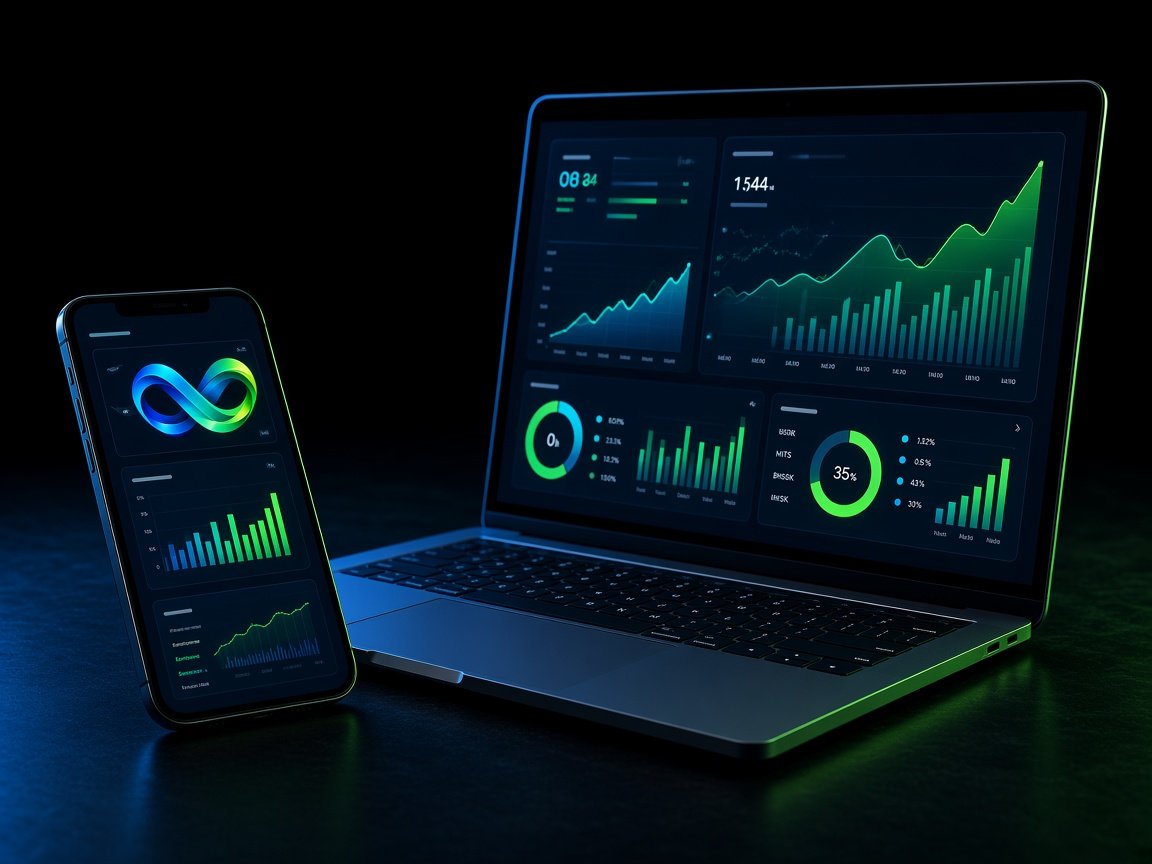
The app is your private workspace: login, activation, team, wallets, history, and tickets.
Member login is the app. Use Open app from any page on this site.
Many members arrive through someone already in VibeWay. If you have a link or code, bring it to registration.
A password is always required. A wallet is used when you choose the DApp / Web3 path.
No. The dashboard and account tools open only after you sign in to the app.